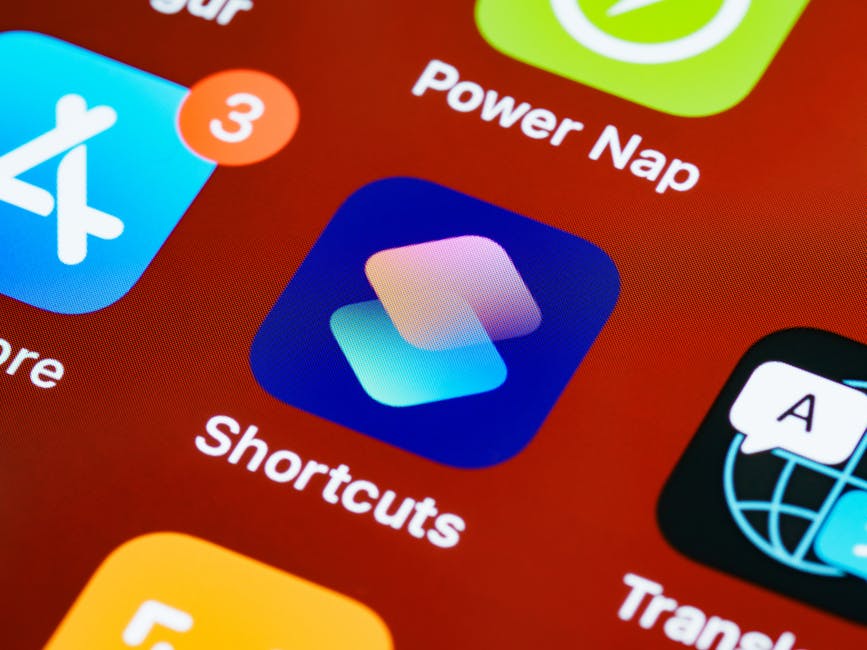
App icon design gets less attention than screenshots or copy, but it's the single asset users see most — in search results, on their home screen, and in every ad. Here's how to design one that earns the tap.
Your app icon gets more impressions than any other marketing asset you have. It appears in search results before users tap through. It sits on millions of home screens after they download. It shows up in ads, review articles, and listicles. And yet most developers spend an afternoon on it rather than treating it as the strategic asset it is.
The 4-Second Rule
Research on App Store browsing consistently shows that users spend about 4 seconds scanning search results before deciding to tap or scroll past. In that window, your icon is doing most of the work. Users don't read titles carefully at this stage — they pattern-match visually.
This means your icon needs to be instantly recognizable and communicate your app's category and quality at a glance. A great icon doesn't need to say much — it just needs to make the right impression.
Design Principles That Actually Work
- Simplicity wins: the most recognizable icons have one focal element. One shape, one symbol, one big idea. Complexity gets lost at small sizes.
- Color contrast: your icon will appear against white (App Store), black, and every wallpaper imaginable. High contrast between your icon and a neutral background is non-negotiable.
- Avoid text: words in icons are unreadable at the 60px size shown in search results. If you need the app name visible, that's what the App Store listing title is for.
- Rounded corners vs. full bleed: Apple applies rounded corners automatically on iOS. Design your icon in a full square and let the OS handle masking.
- Test at multiple sizes: design at 1024×1024 but check it at 60px, 120px, and 180px. Details that look great large often disappear or muddy small.
Color Psychology in App Icons
Color choices carry meaning. Blue signals trust and productivity — it dominates finance and social apps. Green signals health, nature, and success. Orange and red create urgency and energy — common in gaming and food apps. Purple signals creativity and premium positioning.
Look at the top 10 apps in your category. What colors dominate? You can choose to blend in (lower friction) or stand out (higher risk, higher reward). Both are legitimate strategies, but they need to be conscious choices.
Testing Your Icon Before You Launch
Never assume an icon works — test it. Put your shortlisted icon designs in context: drop them into a screenshot of an App Store search results page alongside real competitor icons. Ask your target users which one they'd tap first and why.
Both the App Store and Google Play now offer native A/B testing tools for icons. Once you're live, run a test with a minimum of 500 impressions per variant before drawing conclusions. Small sample sizes produce misleading results.
When to Change Your Icon
Changing a well-known icon carries risk — your existing users may not recognize the app on their home screens and report it as "missing". Major icon changes should be communicated in release notes and (if you have one) via email or push.
That said, an icon that's hurting your conversion rate is costing you downloads every single day. A 1% improvement in conversion on 10,000 monthly impressions is 100 extra downloads per month, compounding.
A polished icon is also one of the baseline requirements Apple's editorial team looks for — see our guide on how to get featured on the App Store for the full checklist.
Testing multiple concepts against these principles is much faster with an AI app icon generator, which can produce dozens of on-brand variants — simple, high-contrast, and pre-sized for every required export — before you commit to one design.